How Pbrize works
Drop a reference image in. Get a full PBR channel set out. Here's how.
Three steps to perfect materials
- Stage 01
Upload
Drop any reference photo — a brick wall, fabric swatch, rusted metal, or anything else.
- Stage 02
Generate
AI analyzes the surface and produces all PBR channels. Adjust settings to taste.
- Stage 03
Export
Download production-ready maps or preview on 3D geometry. Ship to your pipeline instantly.
Which maps you get
One reference, ten channels — each generated for real-time rendering.
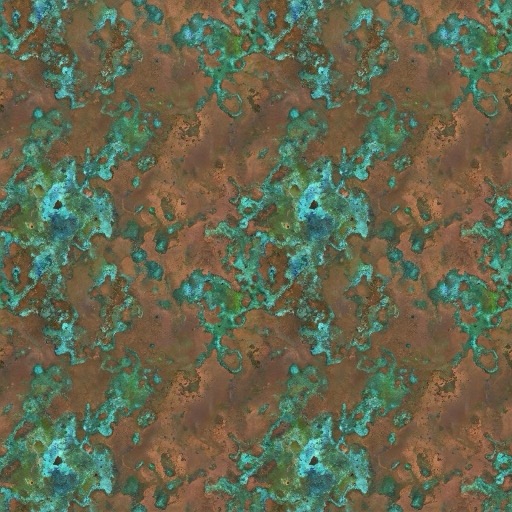
Base Color
Albedo without lighting
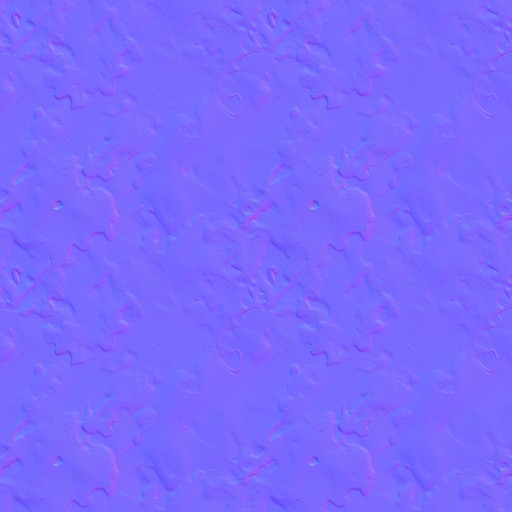
Normal
Surface micro-detail
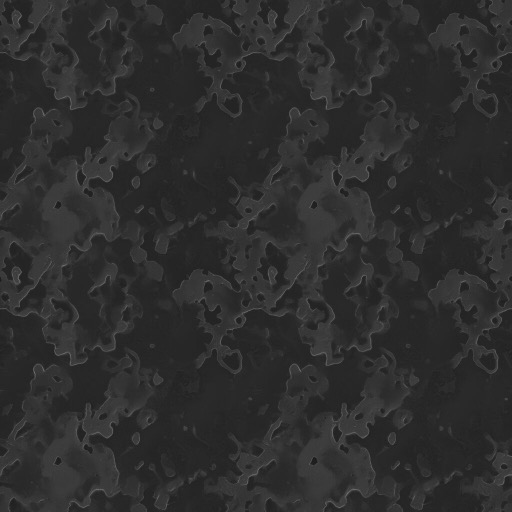
Roughness
Surface smoothness
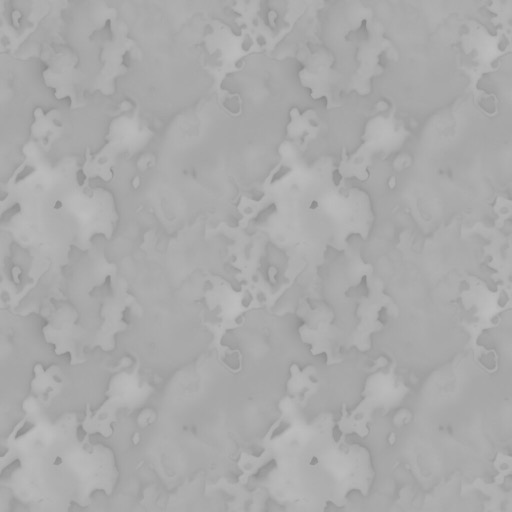
Height
Displacement data
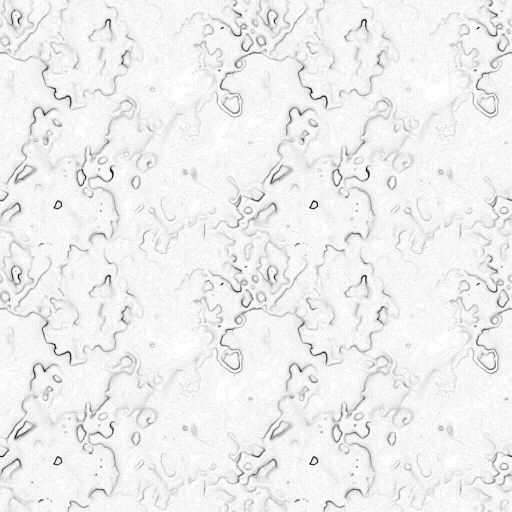
AO
Ambient occlusion
Export every channel at once for Blender, Unreal, Unity, or any DCC tool.